Sprunki Phase 80
Trending New Games
Loading games...
About- Sprunki Phase 80
Sprunki Phase 80 offers an intoxicating blend of electronic rhythms, glitch-infused effects, and characters that feel alive with cybernetic energy.
What sets Sprunki Phase 80 apart is its seamless integration of visual spectacle and auditory depth. Imagine crafting tracks that could soundtrack a dystopian dance floor or a serene orbital station—all from the comfort of your browser. As one of the most anticipated installments in the Sprunki series, Phase 80 pushes the boundaries of what's possible in browser-based music creation, inviting you to layer sounds in ways that feel both intuitive and revolutionary.
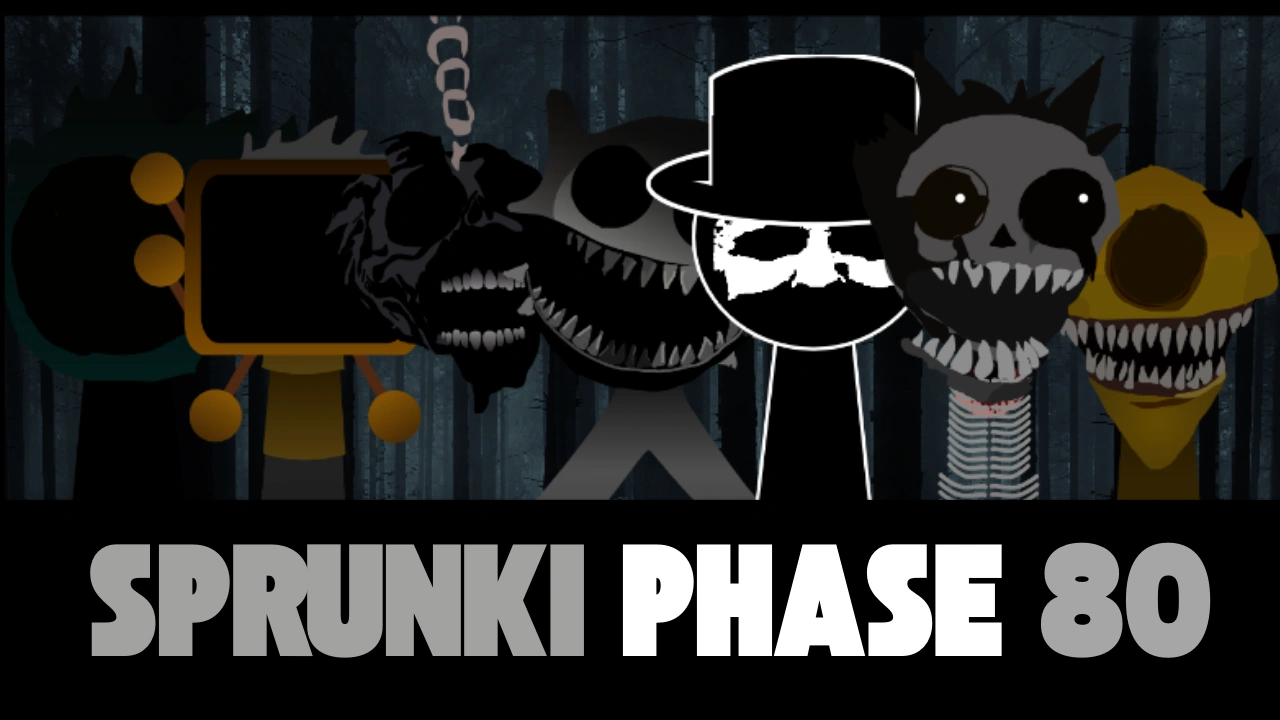
Sprunki Phase 80 isn't just another music game—it's a portal to a futuristic sonic laboratory. At its heart, the phase revolves around a cast of 20 unique characters, each designed as a cybernetic entity with glowing circuits, holographic projections, and animations that pulse in time with their contributions to your track. These aren't mere avatars; they're digital muses, each embodying a specific sonic role, from pulsating basslines to ethereal synth washes.
The theme of Phase 80 draws inspiration from cyberpunk aesthetics, blending high-tech noir with optimistic futurism. The background environment shifts dynamically as you build your mix: starting in a dimly lit server room that evolves into a sprawling metropolis skyline as layers accumulate. This visual feedback loop enhances immersion, making every addition feel like upgrading your virtual studio. Sounds in this phase lean heavily into electronic genres—think thumping 808 kicks, warped vocoders, and arpeggiated leads that evoke artists like Daft Punk or Aphex Twin, but with a playful twist unique to Sprunki.
One of the phase's standout features is its adaptive audio engine. Unlike static sound libraries, the characters' outputs subtly modulate based on combinations, creating emergent harmonies and dissonances that reward experimentation. For instance, pairing a rhythmic glitch bot with a melodic drone orb might generate harmonic overtones you never anticipated, turning a simple loop into a complex, evolving composition. This depth ensures replayability, as no two sessions yield identical results.
Accessibility is key in Sprunki Phase 80. The game loads quickly on modern browsers, requiring no downloads or installations. It's optimized for both desktop and touch devices, making it perfect for quick jams on the go. With built-in recording and sharing tools, you can export your creations as audio files or even animated videos, ready to share with the vibrant Sprunki community. On sprunkit.com, players often collaborate by remixing each other's uploads, fostering a global network of sonic innovators.
Beyond the mechanics, Sprunki Phase 80 taps into the therapeutic power of music making. In a world overloaded with noise, this phase offers a zen-like focus, where dragging a character onto the stage feels like sculpting clay into form. Studies in creative flow states suggest that such intuitive tools can reduce stress and boost cognitive flexibility—benefits you'll feel after just one session.
How to Play- Sprunki Phase 80
Getting started with Sprunki Phase 80 is as straightforward as it is exhilarating. The game's drag-and-drop interface eliminates steep learning curves, allowing you to focus on the joy of creation rather than technical hurdles. Follow these steps to launch your first track and build confidence quickly.
Step 1: Access and Launch the Game
Head over to sprunkit.com and navigate to the hot phases section where you will find Sprunki Phase 80 — it's prominently featured on the homepage for easy discovery. Once loaded, you'll be greeted by a sleek loading screen featuring animated code streams and a progress bar. Allow 20-30 seconds for full initialization, during which the game preloads its extensive sound bank. No account is required to play, though signing up unlocks save features and community sharing.
Upon entry, the interface unfolds: a central stage area flanked by four sound categories—Beats, Effects, Melodies, and Voices—each housing five characters. The bottom toolbar includes controls for play/pause, volume sliders, tempo adjustment (80-140 BPM), and export options. Familiarize yourself here; it's your command center.
Step 2: Explore the Character Roster
Each category introduces a subset of the 20 characters, categorized by their primary function. Beats provide the rhythmic foundation: characters like the 'Pulse Drone' deliver deep sub-bass thumps, while the 'Glitch Hacker' sprinkles erratic hi-hats. Effects add texture—think reverb clouds from the 'Echo Phantom' or distortion waves from the 'Warp Sentinel.' Melodies bring hooks with soaring leads from the 'Neon Arp' or ambient pads from the 'Synth Nebula.' Voices inject personality, ranging from robotic chants by the 'Vox Android' to harmonized choirs via the 'Circuit Siren.'
Hover over any character to preview their loop in isolation. This auditory sneak peek helps you envision fits within your track. Note the visual cues: colors indicate category (red for beats, blue for melodies), and icons hint at intensity—flashing lights for aggressive sounds, soft glows for mellow ones.
Step 3: Build Your First Mix
Click and drag a character from the roster onto one of the seven slots on the stage. As you do, their animation activates, and their sound integrates into the loop. Start simple: Drop a beat character into slot 1 for the backbone. Layer a melody in slot 2 to add direction. Introduce an effect in slot 3 for flair. The stage fills left to right, with earlier slots influencing the mix's base layers.
Hit play to hear the loop in action—it's a 4-8 bar cycle that repeats seamlessly. Adjust volumes individually via the sliders beneath each slot, or tweak the master fader for overall balance. If a combination clashes, simply click the X on a character's slot to remove them and try alternatives. The undo button in the toolbar lets you revert changes without losing progress.
Step 4: Refine and Iterate
With basics in place, experiment with tempo shifts to match your vibe—slower for ambient builds, faster for high-energy drops. Use the mute button on individual slots to isolate elements and fine-tune. As you add more layers, watch the visualizer at the top: waveforms dance in sync, providing a hypnotic feedback loop that guides your ear.