Sprunki mixes are where the game turns from a character playground into a real browser-based music studio. This guide explains how to build cleaner loops, combine beats, melodies, effects and vocals, record your best sessions, export clips, and share them on platforms where the Sprunki community is already active.
The goal is simple: help new players move from random drag-and-drop experiments to intentional mixes with structure, emotional movement and replay value.
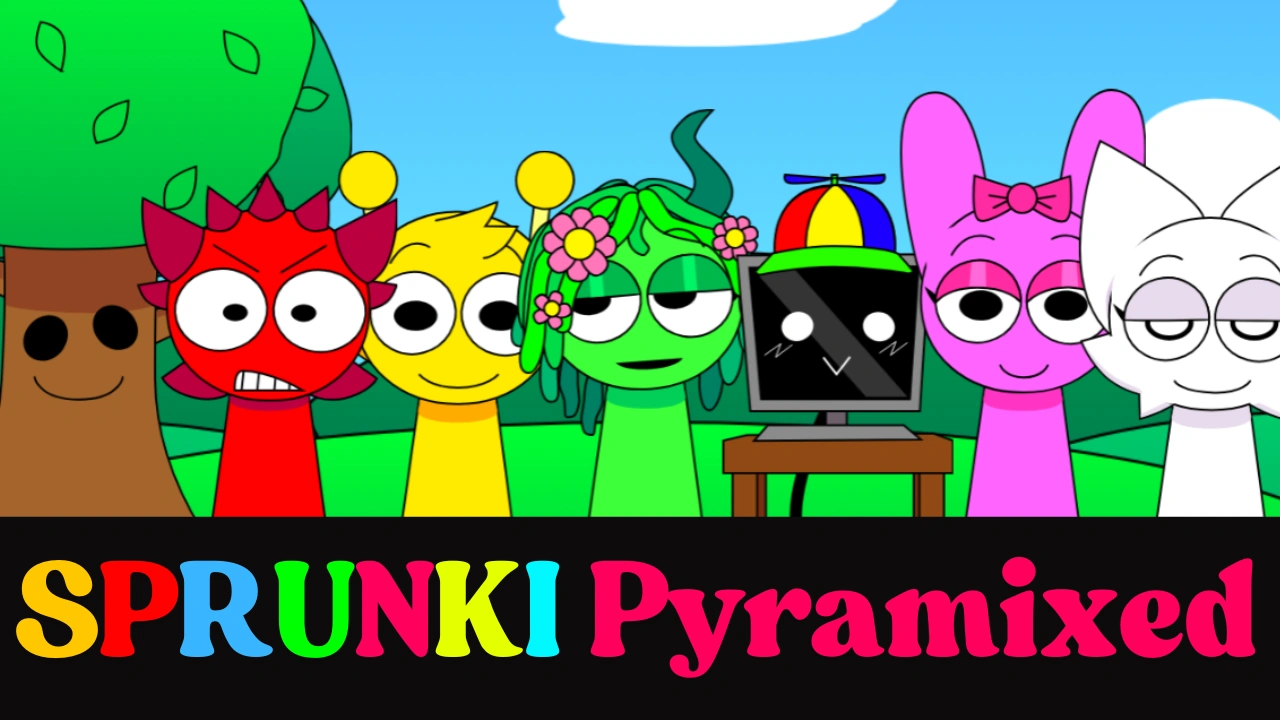
Sprunki Mix Builder Cards
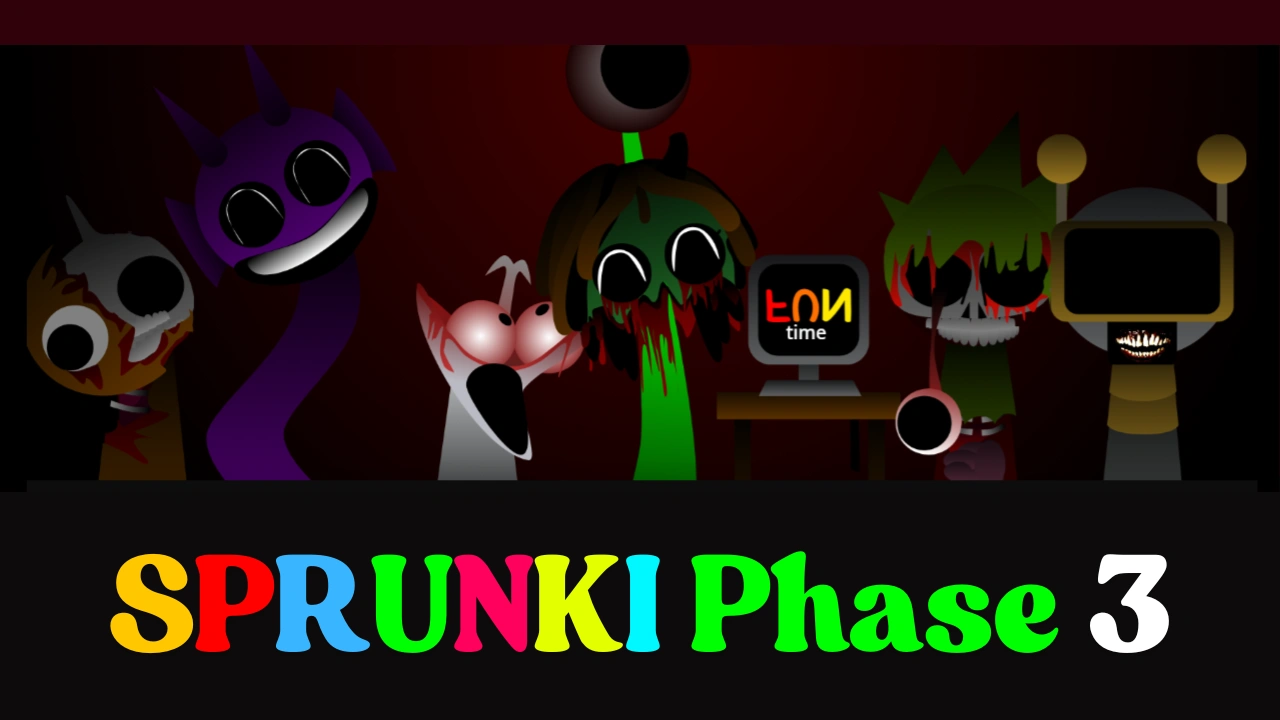 Start With Beats
Use Oren, Raddy or Gray-style loops to establish timing before adding melodies.
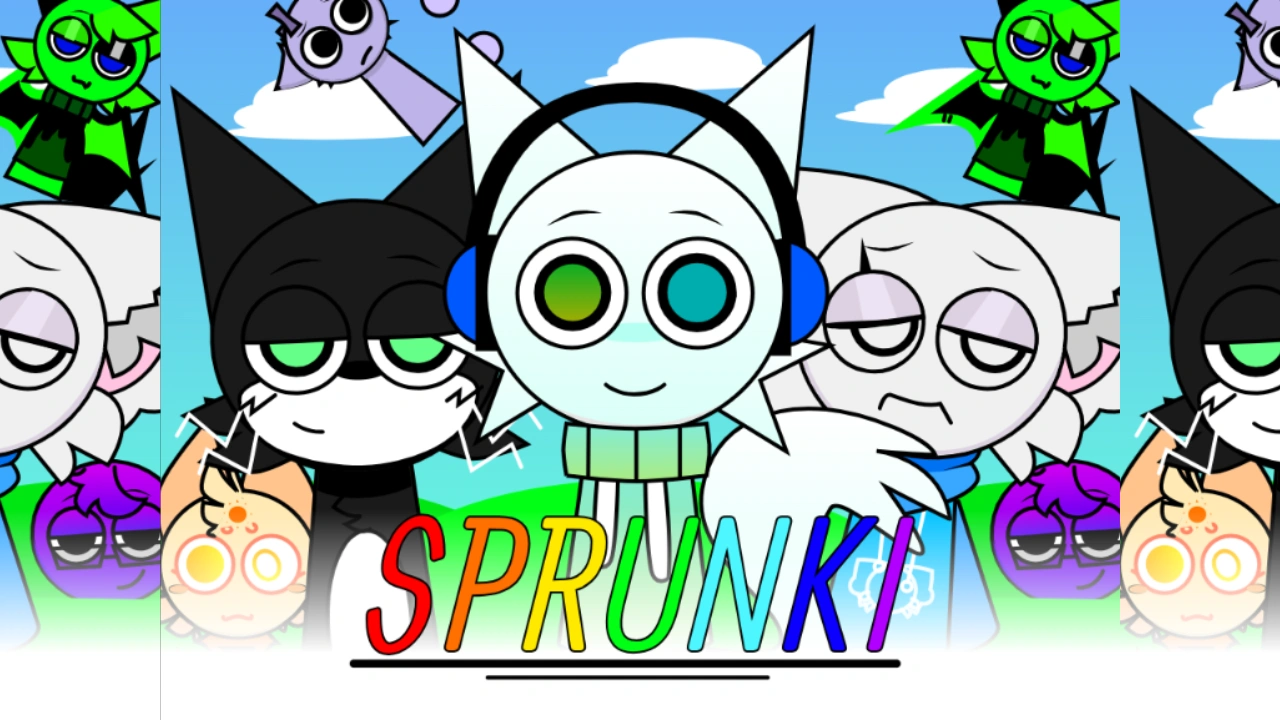 Add Personality
OC and character mods help mixes feel expressive instead of purely mechanical.
Layer the HookMelody and vocal characters should arrive after the rhythm is already stable.
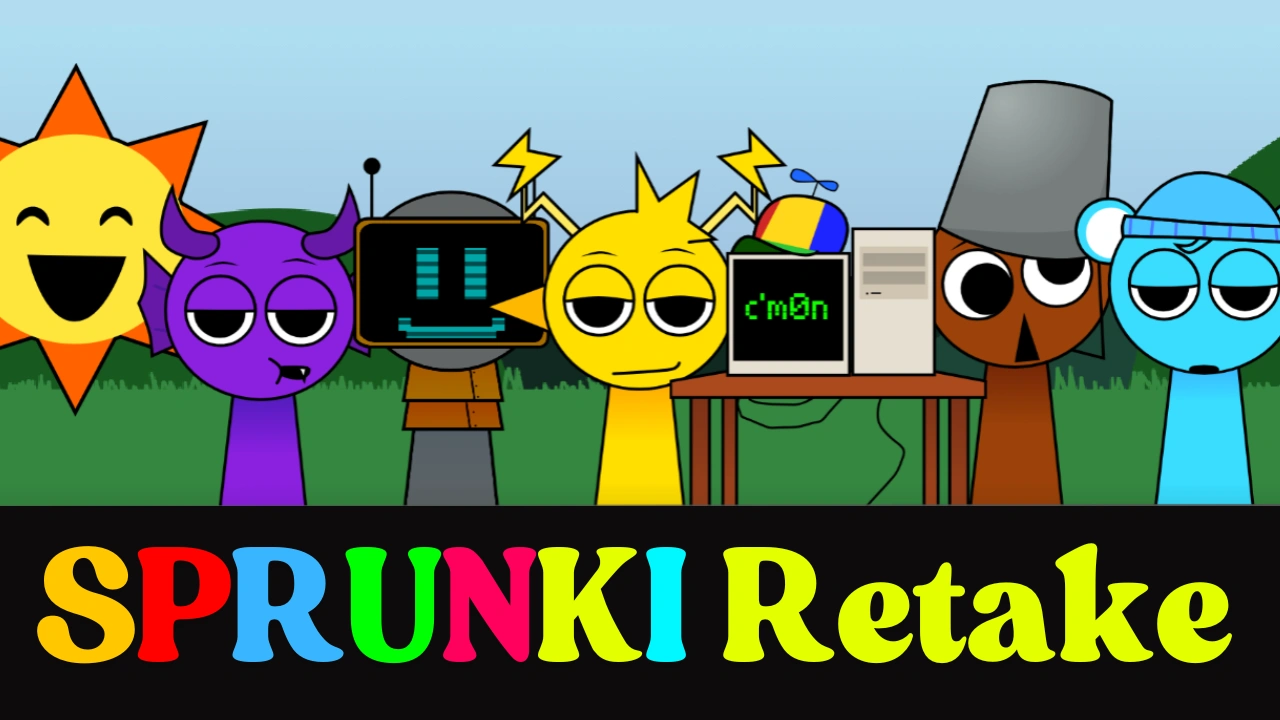 Record the Build
Mute and unmute characters live so your recording has drops, tension and release.
So you have discovered Sprunki and you love it - but you are not quite sure how to make a mix that actually sounds good, how to save or record what you have created, or what other players in the community are making. You have come to exactly the right place. This is a complete beginner's guide to making Sprunki mixes, understanding the best character combinations, recording and exporting your creations, sharing them with the world, and recreating some of the most popular tracks the community loves. By the time you finish reading, you will know everything you need to go from your very first drag-and-drop to a polished, shareable Sprunki track that sounds like you know exactly what you are doing - even if you started five minutes ago.
Sprunki is a browser-based music game built on a simple concept: you drag and drop animated characters onto a stage, and each character adds a looping sound - a beat, a melody, an effect, or a vocal - that blends automatically with everything else you have placed. Every sound is pre-tuned and tempo-locked, so nothing ever goes out of key or out of time no matter what you do. That is the magic of the game: it makes everyone sound good instantly, and then rewards the people who go deeper with hidden combinations, secret animations, and endlessly surprising sonic results. No musical background is required. All you need is curiosity and a willingness to experiment.
Understanding the Basics Before You Start Mixing
Before diving into specific combinations and tips, it helps to understand the building blocks of every Sprunki mix. Each character you can drag onto the stage belongs to one of four sound categories, and knowing which character does what is the first step to making intentional, great-sounding mixes rather than just randomly clicking things and hoping for the best.
Beat characters are the backbone of your mix. These are the characters who provide percussion, drum patterns, and rhythmic foundations. In most Sprunki mods, Oren (the orange character) is one of the most reliable beat providers - his loops are punchy and energetic, sitting cleanly under almost any combination you build on top of him. Raddy (the red character) is another popular beat choice, contributing a harder, more driving rhythm. Gray provides low-frequency percussion that fills in the bottom of your mix and adds weight. When you are starting a new mix, it almost always makes sense to lay down one or two beat characters first, since they give you a rhythmic grid that everything else can lock onto.
Effect characters add texture, atmosphere, and surprise. These are characters like Fun Bot, who introduces digital glitches and synthesized noises, or OWAKCX, who adds ambient and experimental layers. Effects are not the loudest elements in a mix, but they are often the most interesting - the thing that makes a listener go "wait, what was that?" when they hear your track. Beginners often overlook effect characters because their sounds seem subtle at first, but removing them from an otherwise full mix reveals just how much they were contributing to the overall texture.
Melody characters carry the tune. Mr. Sun and Simon (in his yellow form) are reliable melody providers in many Sprunki versions, delivering the harmonic content that makes a mix feel like a song rather than just a rhythm exercise. Sky Blue (the light blue character) is particularly beloved for her ability to elevate the emotional quality of any mix - players on TikTok consistently describe her as the character who turns a good mix into a great one. Pinki adds brightness and a slightly ethereal quality wherever she appears.
Vocal characters bring the human element. Wenda is the most famous vocal character in the entire Sprunki universe - her voice carries distinctive personality across every mod she appears in, from the upbeat cheerfulness of normal mode to the deeply unsettling quality of horror mode. Jevin provides contrasting vocal energy, and the interplay between different vocal characters often produces the most emotionally resonant moments in any mix. When you place two complementary vocalists together and hear them harmonizing unexpectedly, that is one of the most satisfying feelings the game offers.
You can place up to seven characters on the stage at once in most versions of Sprunki, and each slot you fill adds another audio layer to your mix. The three control buttons that appear beneath each character on stage - mute, solo, and remove - are your most powerful tools as a mixer. Muting a character silences it without removing it, which lets you control the rhythm and build of your track in real time. Soloing a character mutes everything else so you can hear what that one character is contributing on its own. Removing a character stops its sound entirely and frees the slot for someone new. These three controls are how you shape a mix from a collection of sounds into something that feels like a composition with structure and intention.
The Best Sprunki Character Combinations for Beginners
The best Sprunki combinations depend a lot on what kind of music you are trying to make, because the game's characters are diverse enough to support genuinely different sonic outcomes. Some combinations produce warm, uplifting, early-90s cartoon energy. Others go dark, industrial, and horror-adjacent. Some feel like lo-fi hip hop. Some feel like a haunted music box. Below are the most beginner-friendly and widely celebrated combinations across all Sprunki mods, broken down by the vibe they create.
For a clean, cheerful, and immediately satisfying mix, the classic foundation combo is Oren plus Clukr (the silver character) as your beat and rhythm base. Clukr's sound sits in a different frequency range from Oren's, meaning they complement each other without clashing - you get both punch and shimmer in the rhythm section. Add Mr. Sun for melody, and then layer in Sky Blue and Pink to bring warmth and brightness to the upper registers. This five-character combination is frequently described by the community as sounding like an early 90s cartoon intro - upbeat, colorful, and immediately likeable. It is one of the most recommended starter combos for anyone new to the game precisely because it sounds polished with very little effort.
For a funny and cheerful mix that leans into personality over polish, replace Mr. Sun with Brown (brud) and add Tan. Brown's beat is genuinely goofy - his animations and sound profile have a comedic energy that immediately lightens any mix - and pairing him with characters who lean into humor over sophistication gives you a track that is designed to make people smile. This is a great combination to use when you are making a mix to share with friends for the first time, because the reaction it gets is reliably delightful.
For a techno or futuristic-sounding mix, build your combination around White (if available), Gold (Garnold), and Fun Bot at the center. These three characters provide driving electronic percussion, techno-adjacent beats, and synthesized glitch effects that collectively produce a track that sounds genuinely futuristic. Add Red and Mr. Tree to round out the sound - Red contributes a layer that functions almost like a classical instrument underneath all the electronic energy, giving the mix an unexpected depth. This combination works especially well in mods that lean into the sci-fi or technological aesthetic, such as mods featuring robot characters or glitch art visual styles.
For a mix that leans into emotion and atmosphere rather than energy and rhythm, pair Simon with Wenda and add Vineria (the green character) as a supporting melody layer. Simon and Wenda together create a call-and-response dynamic between their vocal and melodic sounds - there is an almost conversational quality to how their loops interact - and Vineria's melody adds warmth underneath. This combination tends to produce music that feels cinematic, even melancholic, and it is the foundation of many of the community's most emotionally impactful mixes. Players who record this combination and watch how the characters animate together on stage often find the visual storytelling just as compelling as the audio.
For a powerful full-band sound that uses the entire stage, the community has developed several tried-and-tested seven-character lineups. One of the most celebrated arranges Oren and Raddy as the dual beat foundation, Gray as bass weight, Clukr as a rhythmic shimmer layer, Wenda as the lead vocal, Simon or Mr. Sun as the melody, and Jevin or Sky Blue as the final harmonic layer. This combination takes about fifteen seconds to build and produces a track that sounds like a full band - every frequency range is covered, nothing clashes, and the sum of the parts feels significantly larger than its individual components. Starting with Gray or Clukr as your first placement and then layering bass characters (Oren, the Black-adjacent characters) early gives your mix structural weight from the beginning.
For horror mode, which you enter in most standard Sprunki mods by adding Mr. Black to your lineup, the character combinations that work best are quite different from normal mode. The visual and audio palette shifts entirely when Black is added - characters take on twisted, damaged forms and their sounds distort into eerie, darker versions of themselves. One of the most discussed horror combos is White, Silver (Clukr), Red, Gold, and Mr. Fun Computer together: White and Mr. Fun Computer provide the eerie vocal layers that give horror mode its creepy quality, while Silver and Red build a tense rhythmic foundation underneath. This combination is described as sounding like a horror punk or metal album - uncomfortable, cinematic, and strangely compelling once you lean into it. A different horror combo that surprises players with its catchiness pairs Tan (in horror mode) with a slowed-down Silver: Tan's whistling in horror form creates something that sounds almost like 1950s cowboy music transposed into a nightmare, which is a combination that has to be heard to be believed.
One general principle that experienced Sprunki players consistently recommend to beginners is to use Mr. Sun and Pinki sparingly rather than as foundational characters. Both characters are bright and immediately attention-grabbing, which makes them feel like obvious starting points - but placed too early in a mix, they can overwhelm everything else and make it harder for other characters to be heard clearly. They work best as the final additions to an already-established mix, where their brightness illuminates a structure that is already there rather than competing with everything else for space.
Hidden Combinations and Secret Bonuses You Should Know
One of the most exciting parts of Sprunki for beginners to discover is that many mods contain hidden combinations - specific character pairings or placements that trigger secret bonus animations, visual transformations, or extra sound layers that are not otherwise available. These secret interactions are one of the biggest reasons the community has such strong replay value: every time you think you have heard everything a mod has to offer, a new combination reveals something you had never encountered before.
The most famous hidden interaction in Sprunki across all mods is the horror mode trigger itself. In most standard versions, dragging Mr. Black onto the stage transforms the entire game - characters shift into their horror forms, the background changes, and the music takes on a darker, more distorted quality. For many beginners, this is the first "secret" they discover, and the shock of watching colorful, cheerful characters suddenly become twisted, damaged versions of themselves is one of the defining Sprunki experiences.
Beyond horror mode, individual mods contain their own specific secrets. In the Wenda Treatment mod, entering codes like "gleeble," "Mard," "Val," "Bigwenda," or "Ship them" unlocks bonus character frames, hidden animations, and special interactions between specific characters. In the Hypershifted series, placing Simon and then Medusa Taco on a different Polo causes Medusa Taco to visually track Simon's position, a small but strangely charming interaction that many players describe as one of their favorite discoveries in that mod. In many horror-adjacent phases, placing Clukr and Garnold together in specific positions triggers a special ship animation. Across multiple mods, Fun Bot can trigger something resembling an Emergency Alert System sound when placed in the right combination, adding a layer of digital panic that changes the entire emotional register of your mix.
The general rule for finding secret combinations is to experiment with characters who do not seem to have an obvious pairing. Unusual pairings - characters from different sound categories placed next to each other in unexpected orders - are where the community consistently finds hidden interactions. Paying attention to visual cues when a secret is about to trigger is also important: subtle changes in a character's animation, a brief flash in the background, or a slight distortion in the sound design often signal that a hidden interaction is loading.
How to Record Your Sprunki Mix
Once you have built a mix you are proud of, you will want to capture it so you can share it or revisit it later. Sprunki does not permanently save your in-progress mix between sessions in most versions - when you close the browser window, your lineup is gone - so recording or saving your work is important to do before you leave the game.
The simplest method is the in-game record button, which is available in many versions of Sprunki and appears as a record icon in the game's interface. When you click it, the game captures your current mix as a video - it records both the audio of your layered tracks and the visual of your characters animating on stage - and saves or exports it in a format you can download or share. This built-in option is the easiest path for beginners because it requires no additional software and produces a ready-to-share file in one step. If you are playing on Cocrea - Sprunki's collaborative creative platform - the built-in sharing system lets you export your track and post it directly to the Cocrea community, where other players can listen to and react to your creation.
For higher quality recordings that give you more control over the final file, screen recording software is the recommended approach. OBS Studio is the most popular free option and works on Windows, Mac, and Linux. It records both your screen visuals and your computer's audio output simultaneously, so you capture the full Sprunki experience - the animated characters, the background, and all the layered sounds - in one recording. To set it up for Sprunki, open OBS, add a Display Capture source (which captures everything on your screen) and an Audio Output Capture source (which records what your computer is playing), set your output to MP4 format, and hit Record when your mix is sounding its best. The resulting file will be a video you can upload directly to YouTube, TikTok, or any other platform.
If you prefer to share audio only rather than video, a virtual audio cable tool can capture your Sprunki audio output as a standalone audio file without the visual component. Tools like VB-Audio Virtual Cable (free on Windows) route your browser's audio output into a recording application where you can save it as an MP3 or WAV file. MP3 is the best format for sharing online - smaller file size, widely supported everywhere - while WAV is better if you want to do any further editing or mixing of your Sprunki audio in a separate application.
On mobile, screen recording is built into both iOS and Android at the system level. On iPhone, add Screen Recording to your Control Center through Settings, then swipe down and tap the record button before opening Sprunki. On Android, swipe down to the Quick Settings panel - Screen Record appears there on most modern Android versions. Both capture audio and video simultaneously. The resulting recording can be trimmed in your phone's Photos or Gallery app and shared directly to TikTok, Instagram Reels, or any other platform from there.
One technique experienced Sprunki recorders recommend is to use the mute and unmute controls live during your recording rather than just recording a static mix. Muting characters and bringing them back in creates natural builds and drops in your track - the music feels like it is going somewhere, escalating and releasing, rather than just looping the same pattern from start to finish. Recording a mix where you bring in the beat characters first, then slowly layer in the melody and vocals, then pull characters out and bring them back, creates a far more dynamic and engaging clip than simply recording a full seven-character lineup playing on a loop.
For the best audio quality during any recording, close other applications on your computer before starting. Background programs consuming audio resources can cause the music to stutter or desync slightly during recording, which is particularly noticeable in Sprunki because the game's entire appeal is its perfect rhythmic synchronization. A clean, distraction-free recording session will give you a cleaner final file. Setting your audio bitrate to 192kbps and your video resolution to 1080p is a good standard for any online sharing platform.
How to Share Your Sprunki Mix with the Community
Sharing your Sprunki mixes is where a lot of the game's social magic happens. The community is spread across multiple platforms, and each one has its own culture and conventions for how Sprunki content gets shared and celebrated.
TikTok is currently the biggest platform for Sprunki content by a significant margin. Short clips of mixes - typically 15 to 60 seconds - perform especially well, particularly when they feature a strong build: a quiet start with just one or two characters, gradually adding layers, and then a satisfying full-band moment where everything comes together. Horror mode transitions are extremely popular on TikTok because the visual shock of seeing cheerful characters transform into their dark forms mid-video gets a strong reaction. Hashtags like #sprunki, #sprunkimix, #sprunkiincredibox, and #sprunkiart collectively have hundreds of millions of views, and using them gives your video genuine discoverability. Adding a trending sound or a popular music tag in your video description can help even more.
YouTube is the platform of choice for longer, more in-depth Sprunki content. Full showcases of all characters in a mod, lore explanation videos, and tutorial-style walkthroughs of how to build specific combinations all perform well there. If you are creating a full showcase of your mix, YouTube is also the right platform to narrate what you are doing - explaining which characters you are adding and why - because that educational format has a dedicated audience in the Sprunki community. Channels focused on Sprunki content regularly get tens of thousands to hundreds of thousands of views on individual videos, so there is a real audience there if you produce content consistently.
Cocrea is the dedicated platform that the Sprunki community uses as its creative home. It is where most mods are originally published, where you can play the latest community-made phases, and where you can share your own mixes directly with a Sprunki-native audience. Posting your mix on Cocrea puts it in front of people who are already invested in the game - fans who will understand what they are hearing and engage with it on a deeper level than a general TikTok audience. If you want feedback from people who really know Sprunki, Cocrea is where to share.
Reddit's Sprunki communities and Discord servers are additional places to share mixes and get detailed feedback. Reddit posts with video or audio attachments showing a mix tend to spark lore discussions - people in the comments will debate which character combination you used, what it means for the characters' canonical fates, and which mod would be the next logical step for you to explore. Discord is more conversational and faster-moving, making it a good place to share works in progress and get real-time reactions. Using specific Sprunki-related tags and titles in any post - "Sprunki Phase 5 mix," "horror mode combo," "Wenda Treatment recreation" - gives other community members the context they need to engage meaningfully with what you have made.
Popular Sprunki Songs and Tracks People Love to Recreate
One of the most beloved traditions in the Sprunki community is recreating well-known mixes - either specific combinations that famous creators have shared, iconic tracks from the Sprunki mods themselves, or even real-world songs attempted within the game's sound palette. For beginners, trying to recreate an existing track is one of the best ways to learn, because it gives you a clear target and teaches you how different characters interact through the process of trying to match a specific sound.
The most recreated sounds in the community are the iconic tracks from the main Sprunki phases themselves. The Phase 3 soundtrack - with its distinctive horror-tinged atmosphere and glitch effects - is a constant reference point for community mixes. Players attempt to build mixes in other mods that capture Phase 3's energy, and TikTok is full of videos titled things like "I tried to recreate Phase 3 in Wenda Treatment" or "Phase 3 vibes in Carnage Phase 5." The Phase 5 tracks are equally popular, particularly combinations that capture the heavy distorted percussion and haunting vocal layers that define the Blackened Killer's audio identity.
The Wenda Treatment mix nicknamed "Who's Crazy Now" became one of the most recreated community mixes of its era - a specific character combination in the Wenda Treatment mod that produces a track so catchy and memorable that players across TikTok and YouTube tried to replicate it after the original went viral. The appeal was the combination's completely unexpected cheerfulness given the mod's horror aesthetic: it sounded like a pop song despite being built inside a glitch-horror universe. That contrast between cheerful music and disturbing visuals is one of the patterns the community finds most irresistible.
Mr. Sun's horror theme is another track that has spawned an entire recreation culture. Piano tutorial videos teaching people how to play Mr. Sun's horror mode melody on a real piano have accumulated tens of thousands of views on TikTok and YouTube, demonstrating how embedded Sprunki's audio has become in people's musical consciousness. The horror theme is melodically memorable enough that people want to learn it as an actual musical piece, not just experience it within the game - a testament to the genuine quality of the sound design in the best Sprunki mods.
"Error Funk" is another fan-favorite track type - a mix style built around retro beats and glitch sounds that has inspired dozens of recreation attempts. The aesthetic combines 8-bit nostalgic energy with modern distortion, producing something that feels simultaneously vintage and very contemporary. Community members frequently challenge each other to recreate this vibe in different mods: can you get Error Funk energy out of Parasprunki? Can you get it out of the Hypershifted series? The results vary wildly and entertainingly.
Real-world song recreations have also become a popular community challenge. The core constraint of Sprunki - that all sounds are pre-made loops rather than custom recordings - means that recreating specific real songs is more about finding the right approximate match than achieving perfect accuracy. Community challenges like "recreate this song using only Sprunki characters" have appeared on TikTok multiple times, with players attempting everything from well-known pop songs to video game soundtracks. The most viral of these videos tend to feature songs with distinctive, simple melodies that translate well into the looping, layered structure of Sprunki mixes - tracks with strong rhythmic identities and clear melodic hooks that Oren, Simon, and Wenda's sound profiles can approximate convincingly.
One particularly charming trend is recreation videos where players use real instruments to perform Sprunki tracks. TikTok creators have produced videos where they play Sprunki's music on piano, guitar, drums, and even orchestral instruments - treating fan-made browser game music with the same respect normally reserved for professional compositions. These videos consistently perform well because they demonstrate how genuinely musical the best Sprunki combinations are, validating the community's investment in the game's audio with a kind of external proof. A piano cover of the Sprunki horror theme or a drumkit recreation of a Phase 3 beat combination says, more clearly than any words could, that this music is actually good.
Tips for Making Your Mix Sound Professional from Day One
Building good habits early makes a significant difference in the quality of your mixes even as a beginner. The most important one is to start with structure rather than chaos. Resist the urge to immediately fill all seven character slots at once. Begin with one beat character, listen to it for a moment, then add a bass or second rhythm character and listen again. Build your mix in layers, pausing after each addition to hear what changed and decide whether it is an improvement. This iterative approach - add, listen, adjust - produces far more intentional and satisfying mixes than dropping seven characters simultaneously and hoping the result sounds good.
Use the solo function as a learning tool. When you solo a character and hear them in isolation, you understand exactly what they are contributing to the mix. This helps you make informed decisions about whether a character is truly adding something to your combination or whether they are redundant with another character already on stage. It is also the best way to identify which character is responsible for a sound you particularly like - a crucial skill when you are trying to recreate or build on a combination you have heard elsewhere.
Pay attention to frequency balance. A good mix has sounds occupying different parts of the audio spectrum: deep, punchy elements in the low end (bass characters, heavy percussion), mid-range elements that carry the main musical content (melodies, rhythmic mid-frequency loops), and bright elements in the high end (cymbals, high vocals, shimmer effects). When all your characters are producing sounds in the same frequency range, they compete with each other and the mix becomes muddy or overwhelming. When they are spread across the spectrum, everything can be heard clearly and the result feels full and professional.
Experiment with timing your additions. Adding a new character precisely on the first beat of a musical bar (rather than in the middle of one) sounds significantly more intentional than adding them mid-phrase. Many Sprunki mods make this easier by giving you visual cues - characters bob or pulse on the beat - that help you feel when the musical phrase is starting. Dropping a new character onto the stage at the right rhythmic moment is the difference between a mix that feels controlled and one that feels accidental.
Finally, do not overlook the mods themselves as a source of creative inspiration. Each Sprunki mod has a distinct sonic palette - the Carnage series sounds nothing like Parasprunki, which sounds nothing like the cheerful upbeat energy of Sprunki's normal-mode phases. Exploring a wide range of mods, rather than sticking exclusively to one, exposes you to a broader range of sounds and character types, which directly improves your ability to make interesting combinations across the board. The community's best mixers are almost always people who have spent time across many different Sprunki mods, because that breadth of experience gives them a wider sonic vocabulary to draw from.
Building Your Sprunki Community Presence
The Sprunki community rewards consistent sharing more than it rewards perfection. Players who post regularly - even imperfect mixes, experimental combinations, or recreation attempts that do not quite work - build audiences and relationships faster than players who wait until they have made something flawless before sharing. The community's culture is collaborative and encouraging, particularly toward newcomers, because everyone remembers being a beginner who was still figuring out which characters went well together.
Engaging with other players' mixes - commenting on them, reacting to them, asking questions about the combinations they used - is how you build the connections that make the Sprunki community feel like a place rather than just a game. When you ask someone "how did you get that sound at 0:23?" and they explain the combination, both of you learn something. That exchange is the engine that drives the community's creativity forward.
Joining the community's ongoing challenges and trends is another powerful way to establish your presence. Whether it is a "recreate this Phase 3 track" challenge, a "best horror mode combo" competition, or simply the recurring TikTok trend of recording your first-ever mix reaction, participating in shared creative exercises connects you to a larger conversation and gives your content a community context that makes it more discoverable and more engaging. The Sprunki community is genuinely one of the most welcoming creative spaces in browser gaming - and all it takes to become part of it is sharing what you make.
Making great Sprunki mixes is a skill that builds quickly with practice. The combinations get more interesting, the recordings get more polished, and the sharing gets easier the more you do it. Start simple, experiment constantly, use your mute and solo buttons, record everything you love, and share without fear. The community is waiting to hear what you make.