Trending New Games



Sprunki Phase 43 REC Version
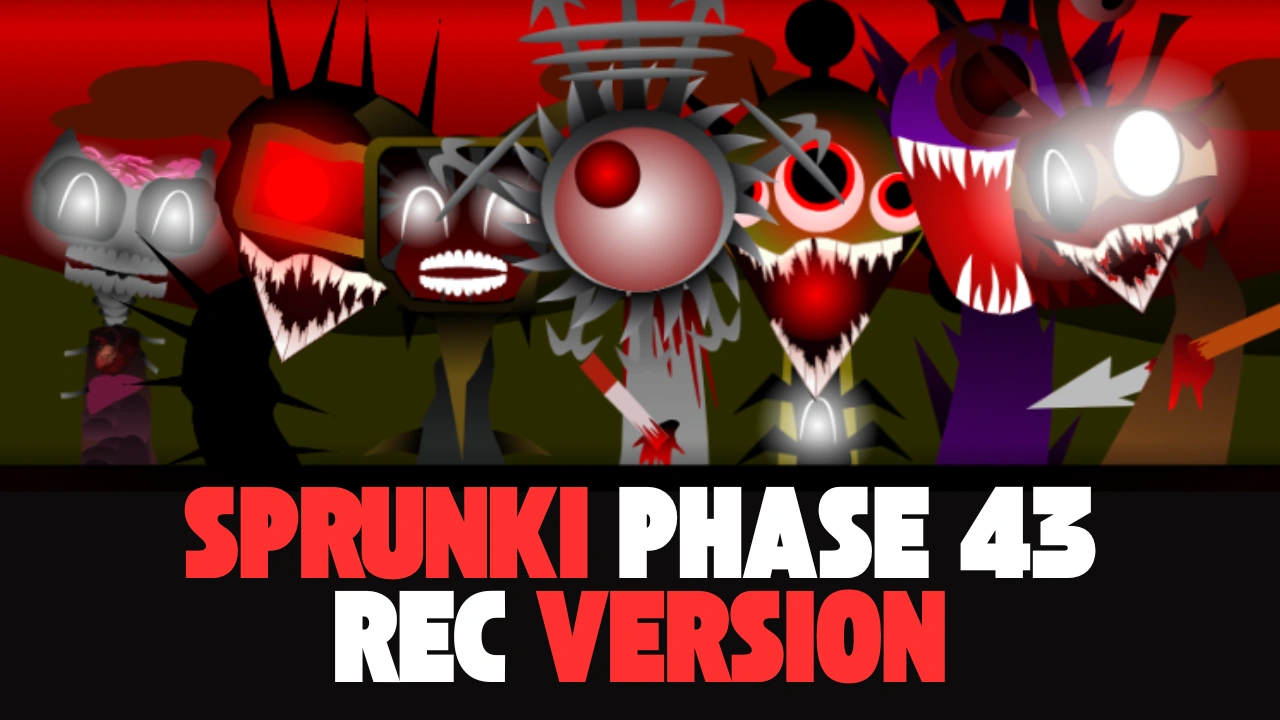
Sprunki Phase 43 REC version has emerged as one of the most engaging and creative phases in the Sprunki series, offering players a rich platform to experiment with sounds, rhythms, and character interactions.
At its heart, Sprunki Phase 43 REC version revolves around a grid-based system where characters represent different sound elements. Each character contributes a unique loop, beat, effect, or melody that synchronizes with others to form a cohesive track. The REC designation specifically highlights the version's focus on recording capabilities, allowing players to capture their sessions without losing progress. This feature proves invaluable for iterative creation, as users can pause, adjust, and resume recording at any point. The phase includes twenty distinct characters, each with multiple animation states and sound variations that trigger based on combinations with others. Understanding these interactions forms the foundation of mastering the game, as certain pairings unlock hidden harmonies or rhythmic shifts that transform a basic mix into a polished production.
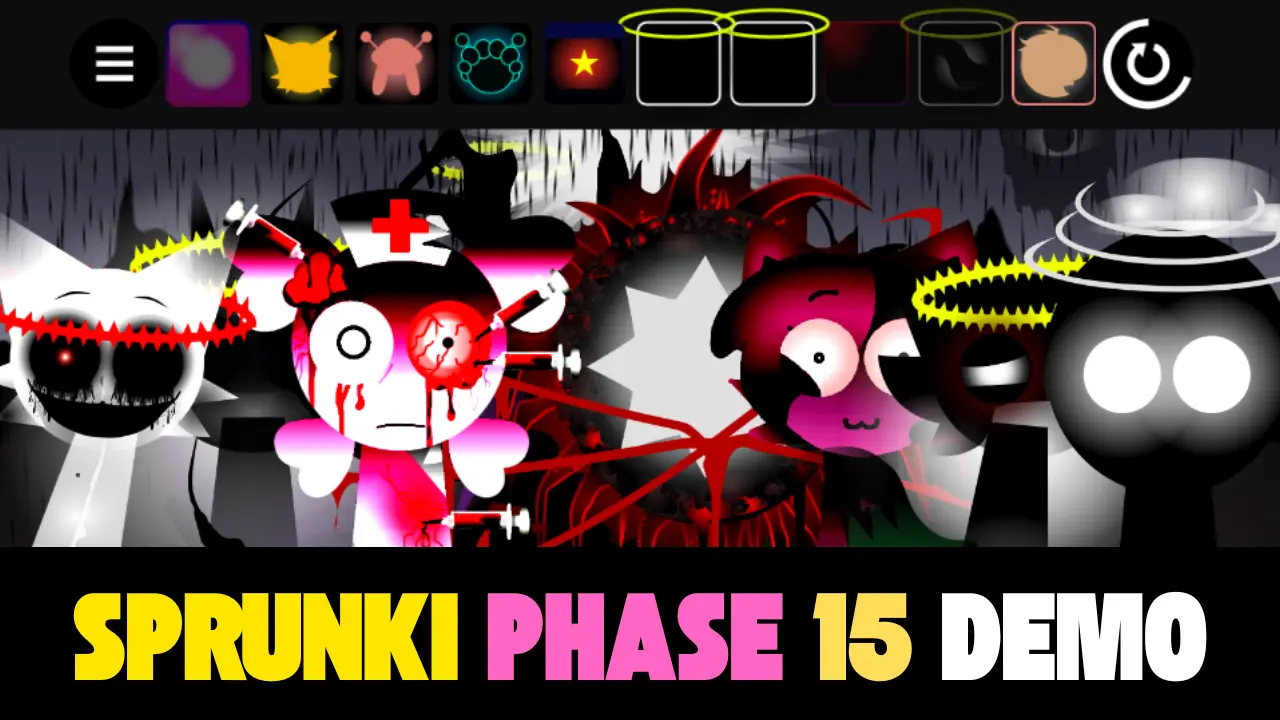
The visual design of Sprunki Phase 43 REC version features a dark-themed interface with glowing character icons that pulse in time with their sounds. This aesthetic not only enhances immersion but also provides visual cues for timing and synchronization. Characters are organized into categories such as beats, basslines, melodies, effects, and vocals, though players are free to mix across categories for unconventional results. The recording panel sits prominently at the bottom of the screen, displaying a timeline that fills as the session progresses. Users can scrub through the timeline to edit specific sections, mute individual tracks, or export the final mix in high-quality audio format. These tools make Phase 43 REC a standout choice for aspiring music creators who want more control.
Interaction between characters drives the depth of Sprunki Phase 43 REC version. Placing certain beat characters next to specific melody characters triggers complementary adjustments, such as the melody shifting key to match the beat's tonal center. Similarly, combining effect characters with vocals can apply filters or echoes that enhance expressiveness. These interactions are not random but follow logical patterns that reward experimentation. For instance, a shimmering effect character paired with a soaring vocal might introduce reverb that swells with the phrase, while a gritty bass next to a punchy kick could emphasize sub-frequencies for a heavier drop. Discovering these synergies forms a key part of the gameplay loop, encouraging players to rearrange characters repeatedly until the desired vibe emerges.
The grid itself in Sprunki Phase 43 REC version supports up to fifteen characters simultaneously, though optimal mixes often use between eight and twelve for balance. Empty slots can be filled at any time, and characters can be removed by dragging them back to the sidebar. This drag-and-drop mechanic feels responsive and forgiving, with undo functionality that reverts the last action if a change disrupts the groove.
Master Sprunki Phase 43 REC Version
Mastering how to play Sprunki Phase 43 REC version starts with building a solid foundation. Begin by visiting sprunkit.com, selecting a core beat character to establish rhythm. Listen to the loop for a full cycle before adding a bass character that complements the kick and snare pattern. Avoid overloading the low end early on; instead, choose a bass line that fills gaps rather than competing for space. Next, introduce a melody that aligns harmonically with the bass. Cycle through the melody's variations to find the one that sits best in the mix. This layered approach ensures each element has room to breathe, resulting in a cleaner overall sound.
Once the foundation feels stable, experiment with effects to add movement. A subtle riser effect can build anticipation before introducing a vocal hook. Pay attention to how effects interact with existing layers; some may automate volume swells that clash if not timed properly. Use the mute function during recording to test removals without committing to deletion. This non-destructive workflow allows bold experimentation while preserving the ability to revert. As the mix evolves, periodically adjust the tempo to see how elements adapt. Slower tempos often highlight melodic nuances, while faster tempos energize percussive elements.